Email Privacy Tips Everyone Should Know
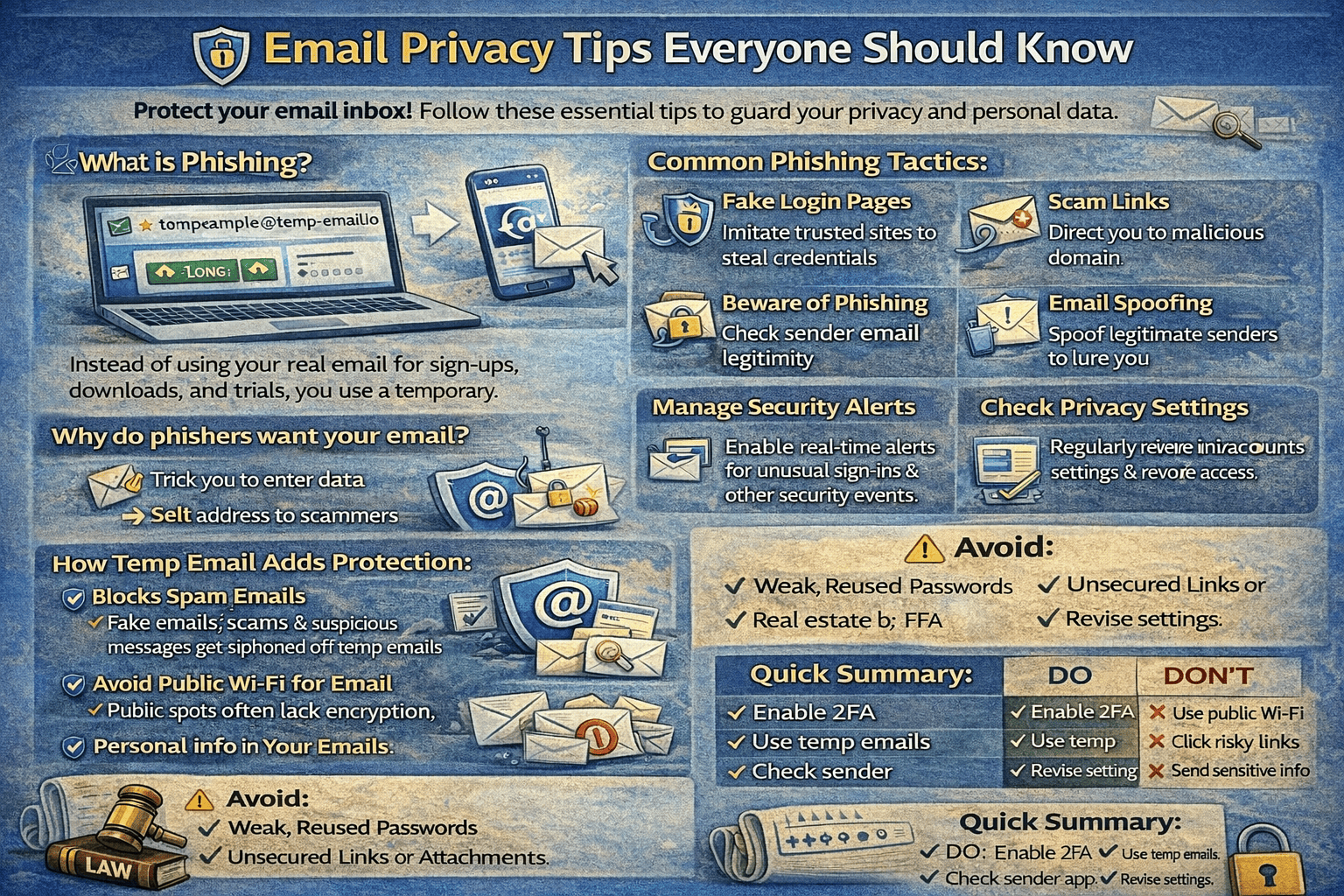
Email is one of the most used digital tools in the world—but it’s also one of the most abused. From spam and phishing to data leaks and tracking, poor email privacy can expose you to serious risks without you even realizing it.
The good news?
With a few smart habits and tools like temporary email, you can greatly improve your email privacy.
In this article, we’ll share essential email privacy tips everyone should know, whether you’re a beginner or an experienced internet user.
Why Email Privacy Matters
Your email address is more than just a contact method—it’s a digital identity.
When your email is exposed:
Marketers can track you
Spammers can target you
Phishers can attack you
Data breaches can affect you for years
Protecting your email is one of the simplest ways to protect your online privacy.
1. Don’t Share Your Personal Email Everywhere
One of the biggest mistakes people make is using the same email address for everything.
This makes it easy for:
Spam lists to grow
Data breaches to affect multiple accounts
Attackers to profile you
Better approach:
Use your personal email only for trusted services
Use a temporary email for untrusted or one-time sites
👉 Learn the basics here:
What Is a Temporary Email Address? (Beginner Guide)
(internal link suggestion: /what-is-temporary-email)
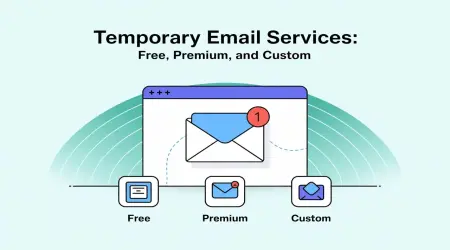
2. Use Temporary Email for One-Time Signups
Not every website deserves your real email address.
Temporary email is ideal for:
Online registrations
Free trials
Downloads
Forums
Testing tools
With temp-email.io, you can generate an instant inbox without signup or passwords.
👉 Learn how it works:
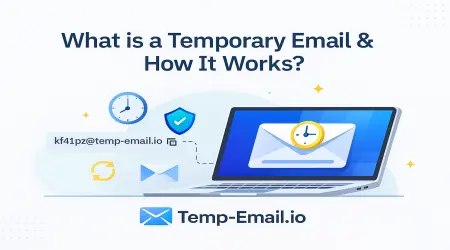
How Temporary Email Works Behind the Scenes
(internal link suggestion: /how-temporary-email-works)
3. Separate Important and Unimportant Emails
Email privacy is also about organization.
Use:
Personal email → banking, work, trusted accounts
Temporary email → promotions, trials, untrusted sites
This separation:
Reduces inbox clutter
Improves focus
Limits privacy exposure
👉 Compare both clearly:
Temporary Email vs Personal Email: Key Differences
(internal link suggestion: /temporary-email-vs-personal-email)
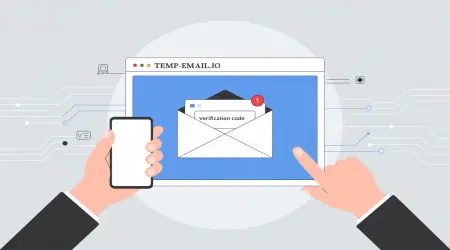
4. Be Careful with Email Verification Requests
Many phishing attacks start with fake verification emails.
Before clicking:
Check the sender address
Look for spelling or formatting errors
Avoid clicking suspicious links
Temporary email helps reduce this risk by keeping phishing attempts away from your main inbox.
👉 Learn more:
Can Temporary Emails Receive Verification Codes?
(internal link suggestion: /temporary-email-verification-codes)
5. Avoid Clicking Links in Unwanted Emails
If you didn’t request the email:
Don’t click links
Don’t download attachments
Don’t reply
Even clicking “unsubscribe” in shady emails can confirm your email is active.
👉 Learn how disposable email reduces spam:
How Disposable Emails Reduce Spam
(internal link suggestion: /disposable-email-reduce-spam)
6. Protect Yourself from Phishing Attacks
Phishing emails try to trick you into sharing:
Passwords
OTPs
Credit card details
Temporary email reduces phishing risk by limiting long-term exposure.
👉 Learn more:
Phishing Risks and How Temporary Email Helps
(internal link suggestion: /phishing-risks-temp-email)
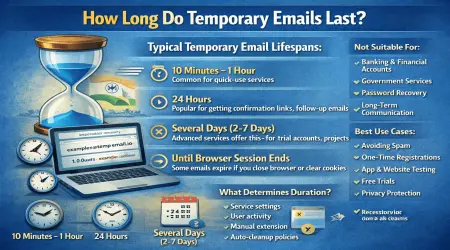
7. Understand Email Lifetime and Auto-Deletion
Temporary email inboxes expire automatically.
This means:
Old emails are deleted
Sensitive data doesn’t stay online
Long-term tracking is reduced
👉 Learn more:
How Long Do Temporary Emails Last?
(internal link suggestion: /temporary-email-lifetime)
8. Don’t Use Temporary Email for Sensitive Accounts
Temporary email is powerful—but it’s not for everything.
Never use it for:
Banking
Financial services
Government portals
Important personal accounts
👉 See a balanced view:
Advantages and Disadvantages of Temporary Email
(internal link suggestion: /advantages-disadvantages-temp-email)
9. Stay Informed About Privacy & Data Laws
Knowing your rights helps you protect yourself.
Modern data protection laws encourage:
Data minimization
Limited data storage
User consent
Temporary email supports these principles by reducing data exposure.
👉 Learn more:
Temporary Email and Data Protection Laws
(internal link suggestion: /temporary-email-data-protection-laws)
10. Choose Privacy-Focused Email Tools
Not all email tools are privacy-friendly.
temp-email.io focuses on:
No user registration
No personal data storage
Automatic inbox deletion
Fast, secure email delivery
👉 Try it instantly:
Free Temporary Email Inbox
(internal link suggestion: /)
Final Thoughts
Email privacy is not about being paranoid—it’s about being smart.
By:
Limiting where you share your email
Using temporary email for low-risk sites
Staying alert to phishing
Understanding email lifetime
You can greatly reduce spam, tracking, and security risks.
If you want a simple way to protect your inbox and your privacy, temp-email.io is a powerful tool to include in your everyday browsing.