Email Safety Tips for Non-Technical Users (Simple & Practical Guide)
Email is part of everyday life—bank alerts, job updates, shopping receipts, and personal messages all arrive in one place. Unfortunately, email is also the most common way scammers and hackers target people, especially non-technical users.
The good news? You don’t need technical knowledge to stay safe. This guide explains easy, practical email safety tips anyone can follow, and how tools like temp-email.io can help protect your inbox.
Why Email Safety Matters
Unsafe email habits can lead to:
Account hacking
Financial fraud
Identity theft
Loss of personal data
Most email scams succeed not because users are careless, but because scammers are very convincing.
Simple Email Safety Tips Everyone Should Follow
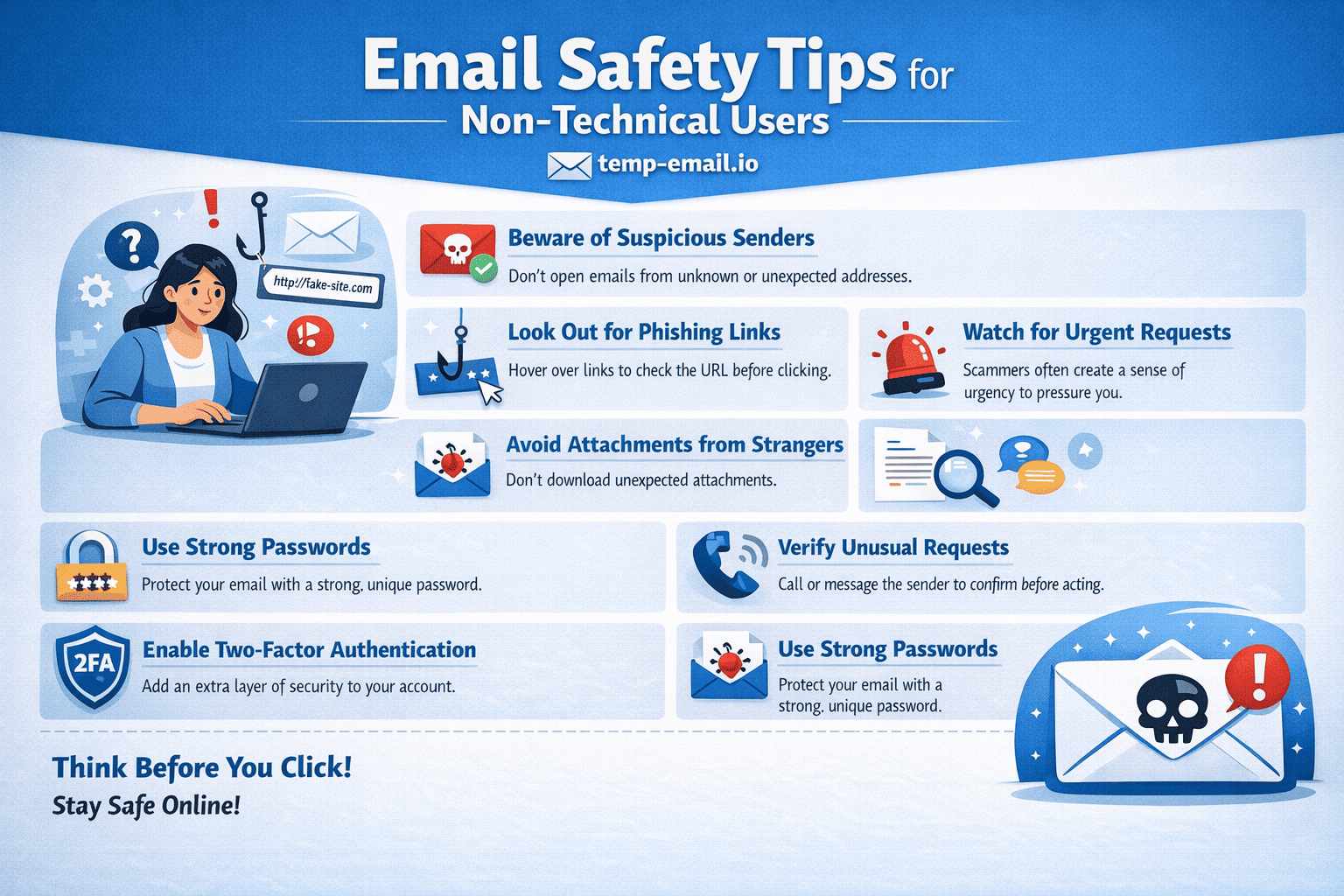
1. Don’t Click Unknown Links
If an email:
Creates urgency (“Act now!”)
Threatens account closure
Promises prizes or refunds
Do not click any links. Open a new browser and visit the official website directly.
2. Never Share OTPs or Passwords
No genuine company will ask for:
Passwords
OTP codes
Bank details via email
If an email requests this, it is a scam.
3. Check the Sender’s Email Address
Scammers often use addresses like:
Look carefully—small spelling changes matter.
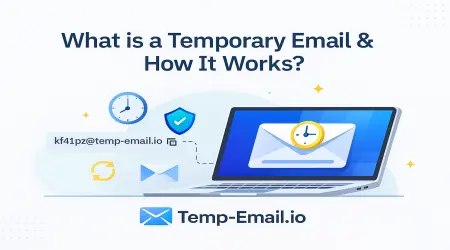
4. Use Temporary Email for Untrusted Websites
Not every website deserves your real email.
With temp-email.io, you can:
Create a temporary inbox instantly
Receive verification emails
Avoid spam and scams
Keep your personal email private
This is perfect for:
Free trials
Online tools
Downloads
Website registrations
5. Avoid Opening Suspicious Attachments
Attachments ending in:
.exe
.zip
.html
can contain malware. Only open attachments you are expecting and trust.
6. Keep Your Email Address Private
Do not share your email on:
Social media comments
Public forums
Unknown websites
Spammers use automated tools to collect visible email addresses.
7. Use a Strong, Unique Password
Even non-technical users can do this:
Use at least 12 characters
Mix letters and numbers
Avoid names and birthdays
Never reuse your email password elsewhere.
8. Enable Basic Security Features
Most email providers offer:
Spam filters
Security alerts
Two-step verification
Turning these on takes only a few minutes and adds strong protection.
How Temporary Email Improves Safety for Beginners
Temporary email services like temp-email.io reduce risk by:
Preventing spam in your main inbox
Limiting exposure to data leaks
Allowing safe sign-ups without long-term risk
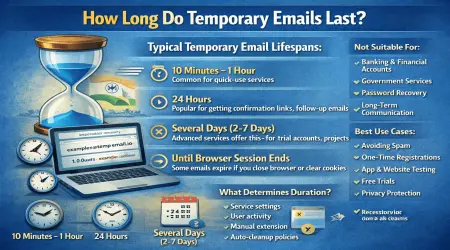
You don’t need to manage anything—the email expires automatically.
What to Do If You Receive a Suspicious Email
Do not reply
Do not click links or download files
Mark it as spam
Delete the email
If it claims to be from a bank or service, contact them using their official website.
Final Thoughts
Email safety doesn’t require technical skills—just awareness and good habits. By being cautious, protecting your personal email, and using tools like temp-email.io, you can avoid most email threats easily.