How Online Forms Use Your Email Address (What Really Happens After You Click Submit)
Online forms are everywhere—sign-ups, downloads, contact pages, free trials, surveys, and contests. Most of them ask for one simple thing: your email address. What many users don’t realize is that submitting an email address often starts a long chain of data usage far beyond just sending you one message.
In this post, we’ll break down how online forms use your email address, where it goes, and how you can protect yourself using smart tools like temp-email.io.
Why Online Forms Ask for Your Email
Websites commonly request email addresses to:
Create or verify accounts
Send confirmations or receipts
Deliver downloads or access links
Build marketing and subscriber lists
While some uses are legitimate, others are purely for data collection.
What Happens After You Submit Your Email
1. Email Storage in Databases
Once you submit a form, your email is usually stored in:
Website databases
CRM (Customer Relationship Management) tools
Email marketing platforms
This data can remain stored indefinitely unless deleted manually.
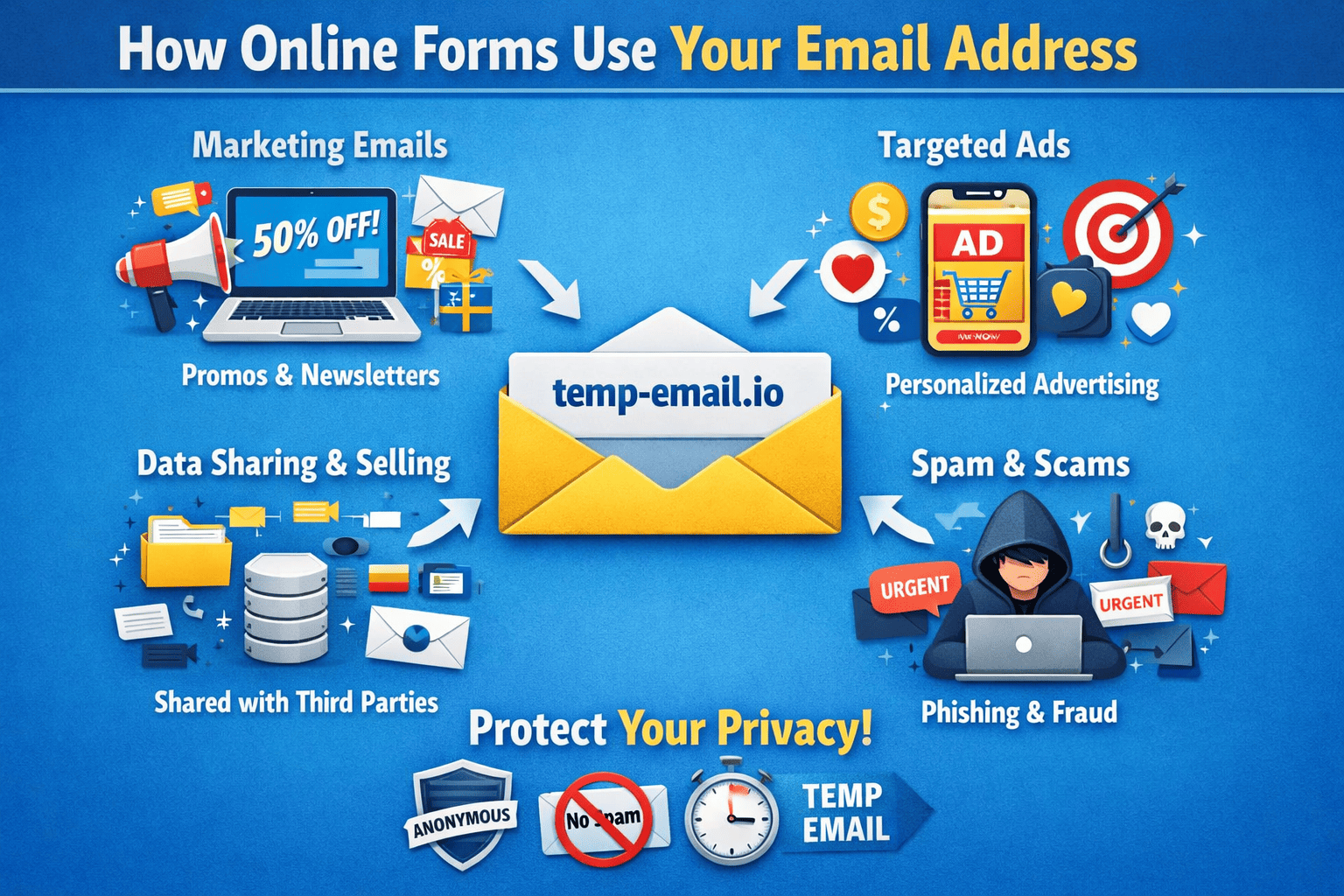
2. Added to Marketing or Newsletter Lists
Many forms automatically subscribe you to:
Promotional emails
Product updates
Partner newsletters
This often happens through:
Pre-checked consent boxes
Hidden terms in privacy policies
3. Shared With Third Parties
Some websites share collected emails with:
Advertising partners
Analytics providers
Affiliate networks
Even if the site itself is trustworthy, third-party handling increases risk.
4. Used for Tracking and Profiling
Your email may be linked with:
Browsing behavior
IP address
Location and device data
This helps companies build a detailed user profile for targeted marketing.
5. Stored for Future Campaigns
Even if you stop using a service, your email may still be kept for:
Retargeting ads
Re-engagement campaigns
Seasonal promotions
Unsubscribing doesn’t always mean deletion.
Risks of Sharing Your Real Email in Online Forms
Giving your personal email can lead to:
Increased spam
Phishing attempts
Data leaks and breaches
Loss of privacy
Once your email enters multiple databases, it’s very hard to remove completely.
How to Protect Yourself When Filling Online Forms
Use a Temporary Email for Non-Essential Forms
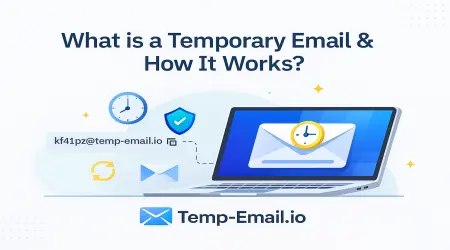
For downloads, trials, or one-time access, use a disposable email.
With temp-email.io, you can:
Instantly generate a temporary inbox
Receive verification or download links
Avoid long-term spam
Keep your personal email private
Read Form Checkboxes Carefully
Before submitting:
Uncheck marketing consent boxes
Look for “Subscribe to updates” options
Avoid Forms on Untrusted Websites
If a site has:
No privacy policy
Poor design
Unrealistic offers
Don’t enter your real email—or any email at all.
Separate Important and Casual Use
Use:
One email for banking and personal communication
Temporary emails from temp-email.io for sign-ups and promotions
This separation greatly reduces risk.
Are Temporary Emails Safe for Forms?
Yes, for most use cases.
temp-email.io is ideal for:
Website registrations
Free trials
Download access
Email verification
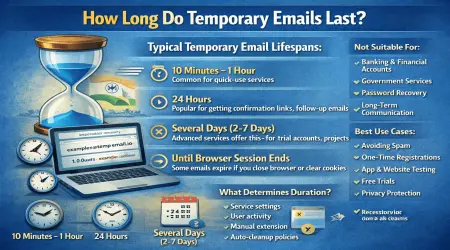
The inbox expires automatically, so your email can’t be reused later.
Final Thoughts
Online forms don’t just “send you one email”—they often store, share, and reuse your address in ways you may not expect. Understanding how this works gives you control over your privacy.
By using smarter habits and tools like temp-email.io, you can enjoy online services without sacrificing your inbox or personal data.
Your email is valuable—protect it.