How to Avoid Spam Without Giving Your Email
Spam emails are no longer just annoying—they can be dangerous. From phishing scams to fake promotions, unwanted emails waste time and put your personal data at risk. The good news? You don’t always need to give your real email address to access online services.
In this guide, you’ll learn practical, real-world ways to avoid spam without sharing your personal email, and how tools like temp-email.io can protect your inbox.
Why Giving Your Email Leads to Spam
Every time you share your email online, it can be:
Stored in marketing databases
Shared with advertising partners
Sold to data brokers
Targeted by spam bots
Even trusted websites may experience data breaches, exposing your email to attackers.
Smart Ways to Avoid Spam Without Sharing Your Email
1. Use a Temporary Email Address
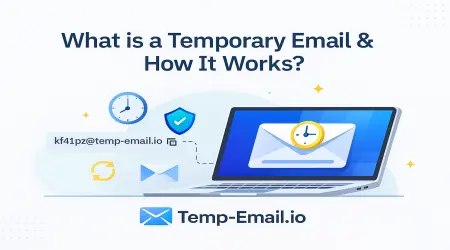
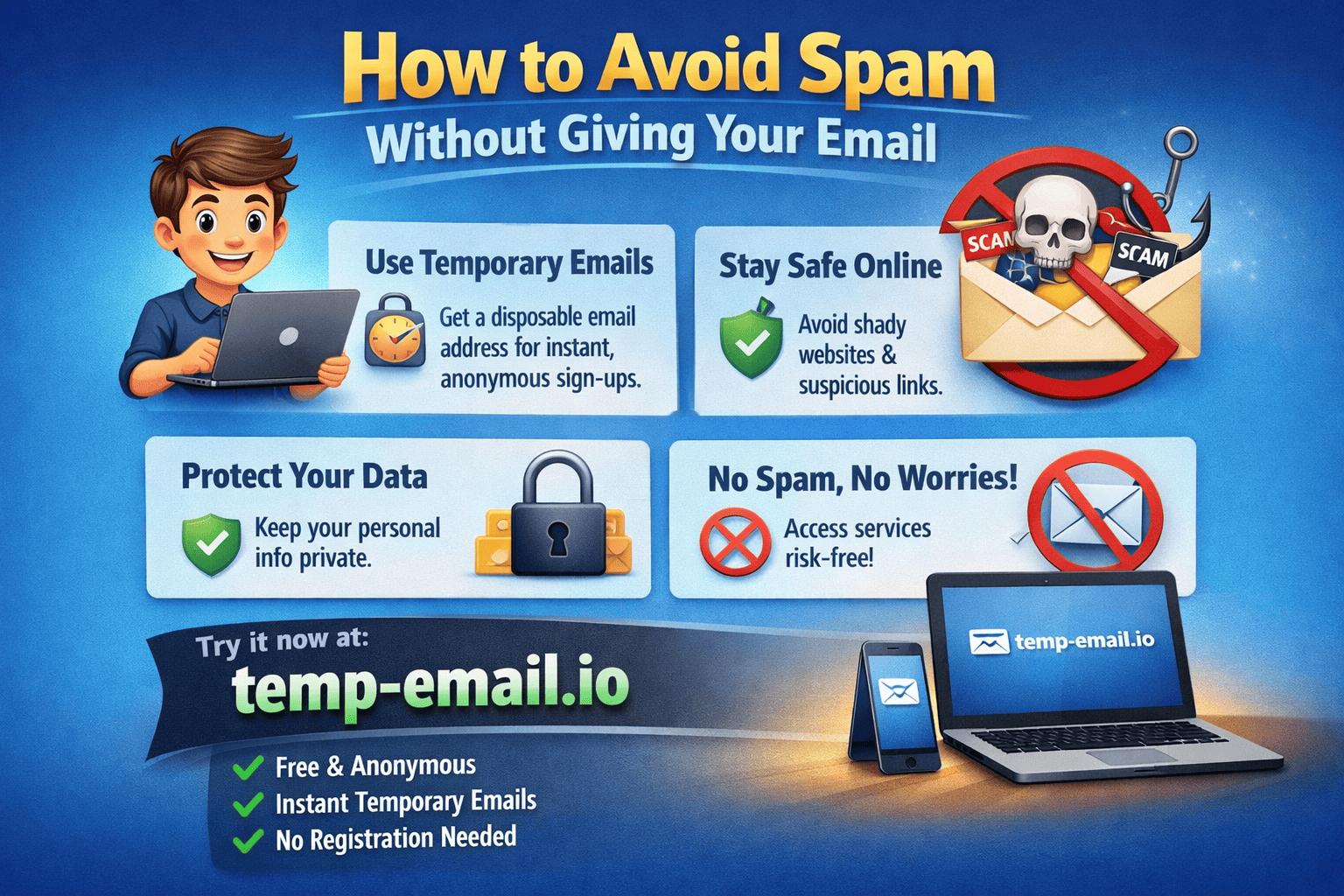
The most effective method is using a disposable email for sign-ups.
With temp-email.io, you can:
Instantly generate a temporary inbox
Receive verification emails
Stay anonymous
Avoid long-term spam
This is ideal for:
Free trials
Downloads
Online tools
Newsletter previews
2. Avoid Mandatory Email Sign-Ups
Many websites offer:
“Continue as Guest” options
Content previews without registration
Look for these before entering any email address.
3. Use Social Login Carefully
“Sign in with Google/Facebook” may seem convenient, but it often:
Shares your primary email
Links your activity across platforms
If you must sign in, consider using a separate account not linked to your personal inbox.
4. Never Enter Email on Suspicious Websites
If a site:
Looks rushed or poorly designed
Has no privacy policy
Promises unrealistic rewards
Avoid entering any email, real or temporary.
5. Don’t Post Your Email Publicly
Spam bots constantly scan:
Blogs
Forums
Comment sections
Social profiles
If you must share contact details publicly, use a temporary email from temp-email.io instead of your real one.
6. Disable Email Permissions in Apps
Some apps request email access unnecessarily.
Always:
Review app permissions
Deny email access when not required
7. Use Separate Emails for Different Purposes
If you don’t want to rely solely on temporary emails:
One email for personal use
One for work
One disposable inbox via temp-email.io for risky sign-ups
This keeps spam away from your main inbox.
What If a Site Requires Email Verification?
Many platforms require email confirmation. Temporary email services solve this problem.
temp-email.io allows you to:
Receive OTPs and verification links
Complete registrations safely
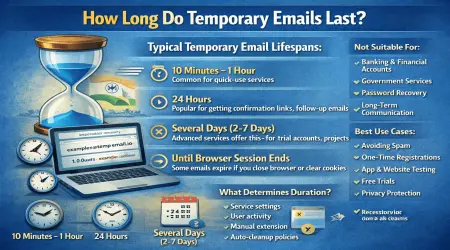
Let the inbox auto-expire after use
No long-term exposure. No spam.
Benefits of Avoiding Spam Proactively
By not sharing your real email, you:
Reduce phishing risk
Protect your digital identity
Save time deleting junk emails
Keep your inbox clean and secure
Prevention is always easier than cleanup.
Final Thoughts
Spam isn’t inevitable—it’s avoidable. With a few smart habits and tools like temp-email.io, you can browse, sign up, and explore the internet without sacrificing your inbox.
Your email is personal. Treat it that way.