Temporary Email for App & Website Testing
Testing apps and websites often requires creating multiple user accounts. Each test signup usually needs a unique email address for verification, confirmation emails, or onboarding flows. Using personal or work email addresses for this purpose quickly becomes messy and inefficient.
This is where temporary email for app and website testing becomes extremely useful.
In this article, we’ll explain how temporary email helps in app & website testing, common testing scenarios, best practices, and why temp-email.io is a practical tool for testers and developers.
What Is a Temporary Email Address?
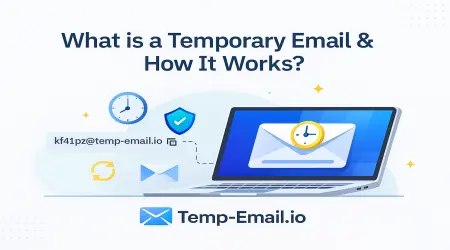
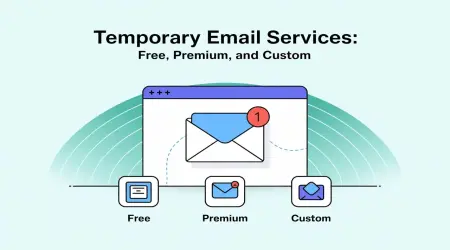
A temporary email address (also called disposable email or temp mail) is a short-term inbox that allows you to receive emails without using a permanent email account. These inboxes automatically expire after a set time.
If you’re new to temporary email, start here:
👉 What Is a Temporary Email Address? (Beginner Guide)
(internal link suggestion: /what-is-temporary-email)
Why App & Website Testing Needs Temporary Email
During development and QA, teams often need to test:
User registrations
Email verification flows
Password reset emails
Welcome emails
Notification emails
Using real email accounts for every test:
Wastes time
Clutters inboxes
Makes cleanup difficult
Slows down testing cycles
Temporary email solves all of these problems.
How Temporary Email Helps in Testing Workflows
Here’s how testers typically use temp-email.io:
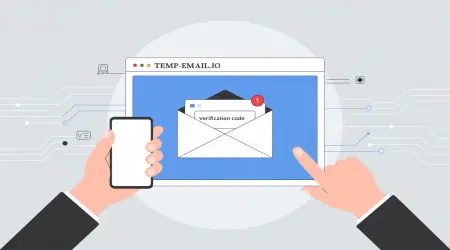
Open temp-email.io
Copy the instantly generated email address
Use it during app or website signup
Receive the verification or test email
Complete the test
Let the inbox expire automatically
No setup.
No password.
No cleanup required.
👉 Learn the technical side here:
How Temporary Email Works Behind the Scenes
(internal link suggestion: /how-temporary-email-works)
Common App & Website Testing Use Cases
1. User Registration Testing
Temporary email is perfect for testing:
Signup forms
Email validation
Duplicate email handling
User onboarding flows
Each test can use a fresh email address without creating real accounts.
2. Email Verification & Activation Testing
Most apps require email verification.
Temporary email can receive:
Verification codes
Activation links
Confirmation messages
This allows testers to validate email delivery without exposing real inboxes.
👉 Learn more:
Can Temporary Emails Receive Verification Codes?
(internal link suggestion: /temporary-email-verification-codes)
3. Password Reset & Recovery Testing
Temporary email helps test:
“Forgot password” flows
Reset email delivery
Expiration of reset links
Since inboxes are short-lived, testers can also validate link expiration behavior.
👉 Learn about inbox lifetime:
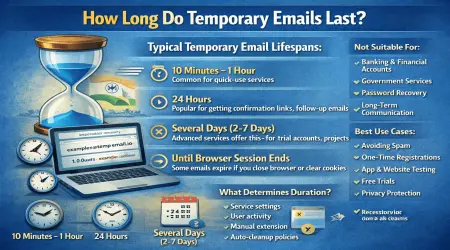
How Long Do Temporary Emails Last?
(internal link suggestion: /temporary-email-lifetime)
4. Load & Automation Testing
QA teams running automated tests often need:
Hundreds of unique email addresses
Fast inbox creation
Zero manual intervention
Temporary email supports:
Rapid test account creation
Clean test environments
Faster automation cycles
5. Testing Notification & Email Content
Temporary email allows teams to test:
Welcome emails
Promotional messages
Transactional emails
Formatting and responsiveness
Emails can be reviewed without polluting real inboxes.
Why Temporary Email Is Better Than Personal or Burner Emails for Testing
| Feature | Temporary Email | Burner Email | Personal Email |
|---|---|---|---|
| Setup Time | Instant | Manual | Manual |
| Password Needed | ❌ No | ✅ Yes | ✅ Yes |
| Cleanup Required | ❌ No | ✅ Yes | ❌ No |
| Inbox Lifetime | Short | Medium | Long |
| Testing Speed | ✅ Very Fast | ⚠️ Medium | ❌ Slow |
👉 Full comparison here:
Temporary Email vs Burner Email
(internal link suggestion: /temporary-email-vs-burner-email)
Privacy & Security Benefits for Test Environments
Using temporary email in testing:
Prevents accidental exposure of real emails
Reduces phishing risk
Keeps test data isolated
Avoids long-term data storage
👉 Learn more about safety:
Is Temporary Email Safe to Use?
(internal link suggestion: /temporary-email-safety)
When Temporary Email Should NOT Be Used in Testing
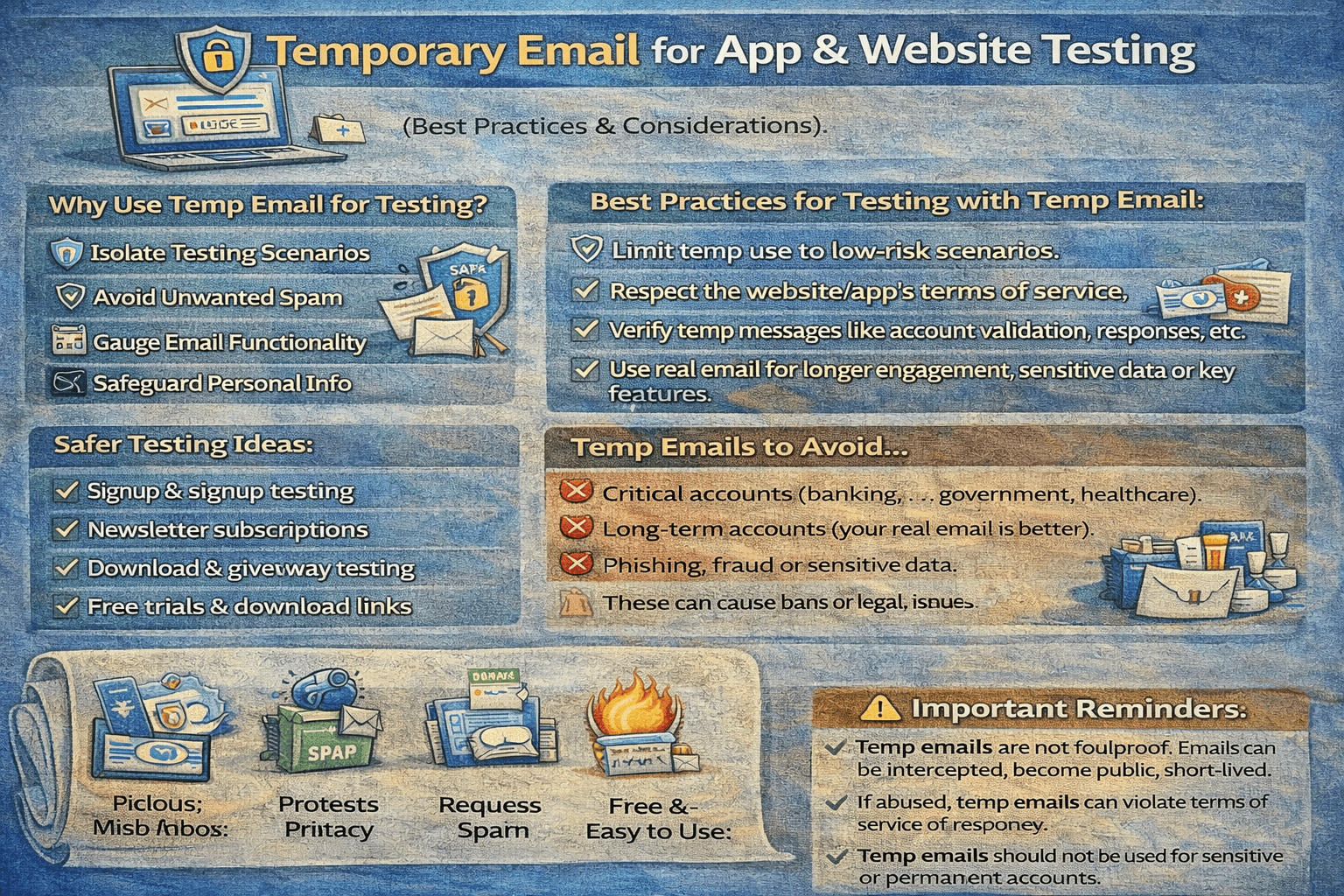
Temporary email is not ideal when:
Long-term test accounts are required
Account recovery must be tested later
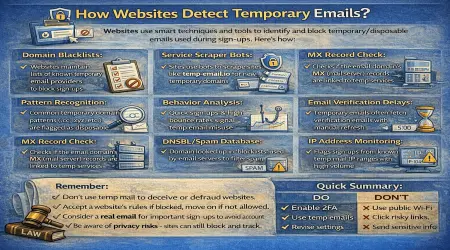
The platform blocks disposable email domains
In such cases, a burner or dedicated test domain may be better.
👉 Learn why blocking happens:
How Websites Detect Temporary Emails
(internal link suggestion: /how-websites-detect-temp-email)
Best Practices for Using Temporary Email in Testing
To get the most out of temporary email:
Use it for short-lived test accounts
Complete email actions before inbox expiration
Avoid sensitive data in test emails
Combine with staging environments when possible
👉 Learn proper usage:
When Should You Use Temporary Email?
(internal link suggestion: /when-to-use-temp-email)
Why temp-email.io Is Ideal for Testing
temp-email.io is especially useful for developers and testers because it offers:
Instant email generation
No signup or passwords
Fast email delivery
Automatic inbox deletion
Privacy-focused design
👉 Try it instantly:
Free Temporary Email Inbox
(internal link suggestion: /)
Final Thoughts
Temporary email is a powerful tool for app and website testing. It speeds up testing workflows, keeps inboxes clean, and helps teams focus on what matters—building and improving products.
For registration testing, email verification, and QA workflows, temp-email.io provides a simple, efficient, and privacy-friendly solution.