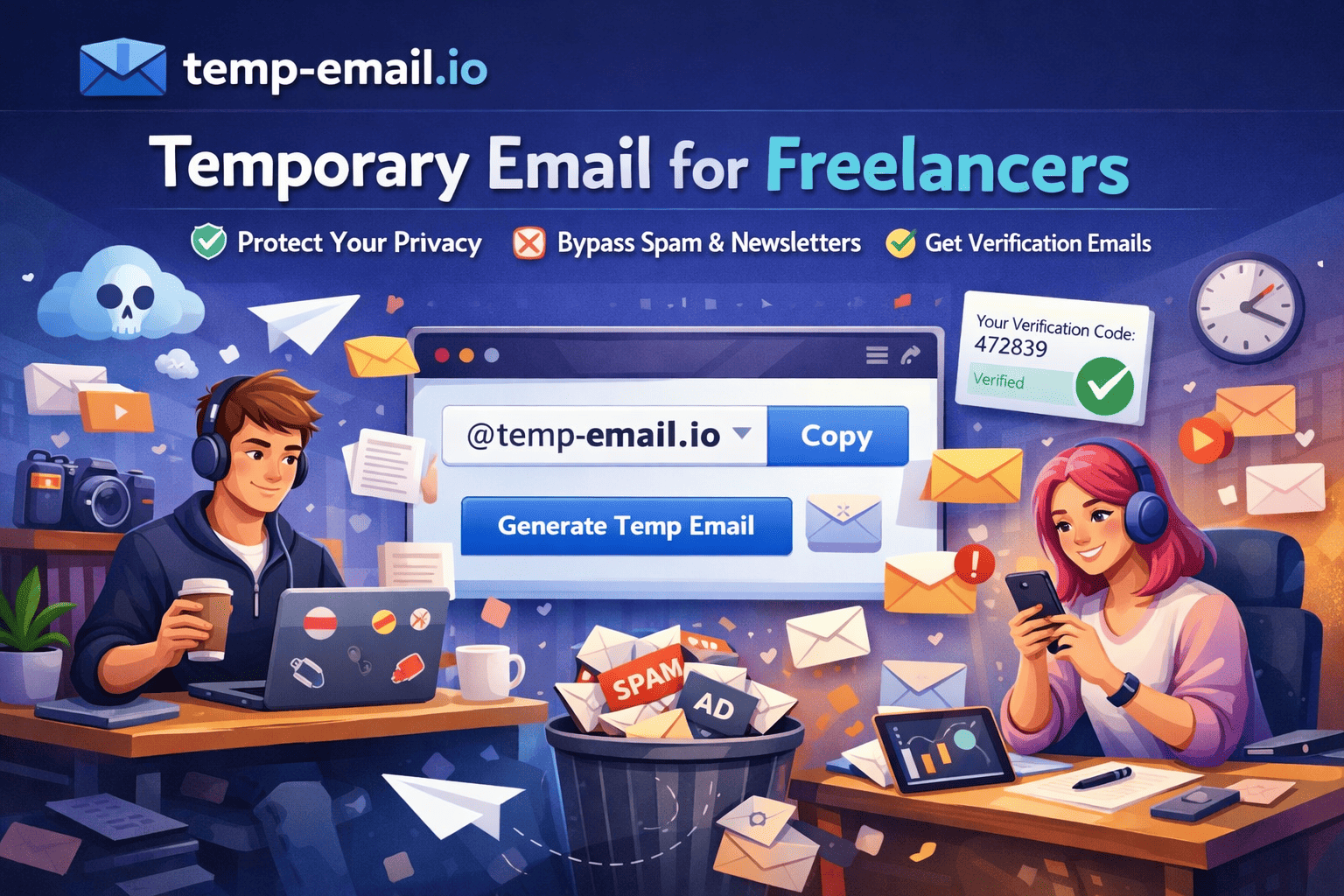
Temporary Email for Freelancers: Protect Privacy, Reduce Spam, Work Smarter
Freelancers work with multiple clients, platforms, tools, and marketplaces every day. From signing up on freelance platforms to testing client tools and downloading resources, email addresses are required everywhere. Using one personal email for everything often leads to spam, privacy risks, and a cluttered inbox.
This is where temporary email services become a smart solution. In this guide, you’ll learn how freelancers can use temporary email effectively and responsibly with temp-email.io.
What Is a Temporary Email Address?
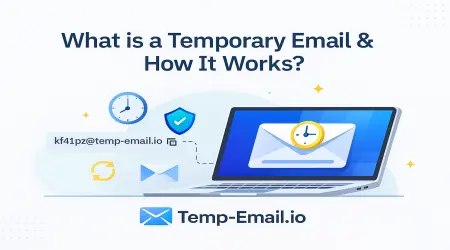
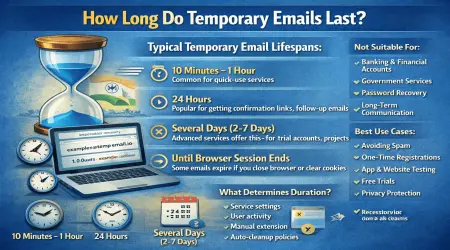
A temporary email address is a short-term email that lets you receive messages instantly without creating an account. It automatically expires after a set time, keeping your inbox clean and your identity protected.
With temp-email.io, freelancers can generate a working email in one click—no registration, no password, no tracking.
👉 New here?
Internal link: What Is a Temporary Email Address? – https://temp-email.io/
Why Freelancers Need Temporary Email
Freelancers often interact with:
Freelance marketplaces
Client tools and dashboards
File-sharing platforms
Online resources and communities
Using a real email everywhere increases spam and exposure. Temporary email offers a safe and efficient alternative.
Benefits of Temporary Email for Freelancers
1. Protect Your Personal & Work Inbox
Signing up on job boards and tools often results in promotional emails. Temporary email keeps your main inbox spam-free.
👉 Learn more:
Internal link: How Disposable Emails Reduce Spam – https://temp-email.io/blog/
2. Safe Signup on Freelance Platforms & Tools
Freelancers frequently test:
New freelance platforms
Productivity tools
Client portals
Using temporary email helps you explore safely without long-term commitment.
3. Client Tool & Project Testing
When working with clients, freelancers may need to:
Test dashboards
Verify email notifications
Create demo accounts
Temporary emails make testing faster and cleaner.
👉 Related guide:
Internal link: Temporary Email for App & Website Testing – https://temp-email.io/blog/
4. Protect Privacy During Client Communication
Not every client or platform needs your primary email. Temporary email helps maintain boundaries and reduces the risk of data misuse.
👉 Privacy tips:
Internal link: Email Privacy Tips Everyone Should Know – https://temp-email.io/blog/
5. Faster Workflow, Less Hassle
With no signup required, temp-email.io lets freelancers focus on work instead of inbox management.
Is Temporary Email Safe for Freelancers?
Yes—when used correctly.
Recommended use cases:
Short-term signups
Testing tools and platforms
Accessing free resources
Avoid using temporary email for:
Long-term client contracts
Payment platforms
Account recovery emails
👉 Security overview:
Internal link: Is Temporary Email Safe to Use? – https://temp-email.io/blog/
How Freelancers Use temp-email.io (Step-by-Step)
Visit https://temp-email.io/
Copy the generated email address
Use it for signups or testing
Receive emails instantly
Let it expire automatically
No login. No maintenance. No spam.
AdSense-Safe & Policy-Friendly
Educational content explaining ethical use of temporary email is fully compliant with Google AdSense, provided it focuses on privacy and productivity—not misuse.
This article follows all AdSense policies.
Temporary Email vs Personal Email for Freelancers
| Feature | Temporary Email | Personal Email |
|---|---|---|
| Spam Control | ✅ High | ❌ Low |
| Privacy | ✅ Strong | ❌ Limited |
| Quick Testing | ✅ Yes | ❌ No |
| Long-Term Use | ❌ No | ✅ Yes |
The best approach is using both strategically.
Best Practices for Freelancers
Use temp email for exploration and testing
Keep primary email for real clients
Avoid using disposable emails for payments
Choose reliable services like temp-email.io
Final Thoughts
For freelancers, managing time, privacy, and communication is essential. Temporary email helps you stay organized, protect your identity, and reduce digital noise—without sacrificing productivity.
If you freelance online, temp-email.io is a simple tool that makes a big difference.
🚀 Try it now: https://temp-email.io/
Clean inbox. Better focus. More control.