Temporary Email for Students and Online Courses
Online learning has exploded in recent years. Students now sign up for online courses, webinars, free classes, certifications, and learning platforms almost every week. While this is great for education, it also means sharing your email address again and again.
Over time, this leads to spam, marketing emails, and inbox overload.
That’s why many learners now use temporary email for students and online courses.
In this article, we’ll explain how temporary email helps students, when it’s useful for online learning, and how temp-email.io makes the process simple and safe.
What Is a Temporary Email Address?
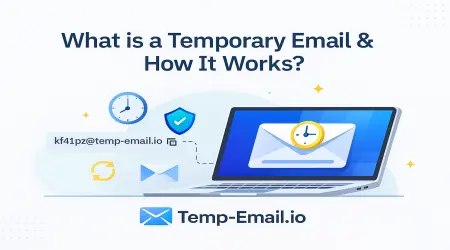
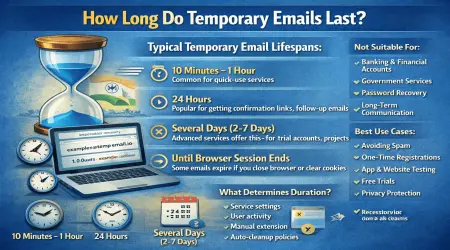
A temporary email address (also called disposable email or temp mail) is a short-term inbox that lets you receive emails without using your personal or school email. These inboxes automatically expire and delete messages after a set time.
If you’re new to the concept, start here:
👉 What Is a Temporary Email Address? (Beginner Guide)
(internal link suggestion: /what-is-temporary-email)
Why Students Need Temporary Email
Students often sign up for:
Free online courses
Trial classes
MOOCs and learning platforms
Practice tests and mock exams
Webinars and workshops
Using your personal email for every signup can quickly cause problems:
Too many promotional emails
Course marketing you didn’t ask for
Difficulty finding important messages
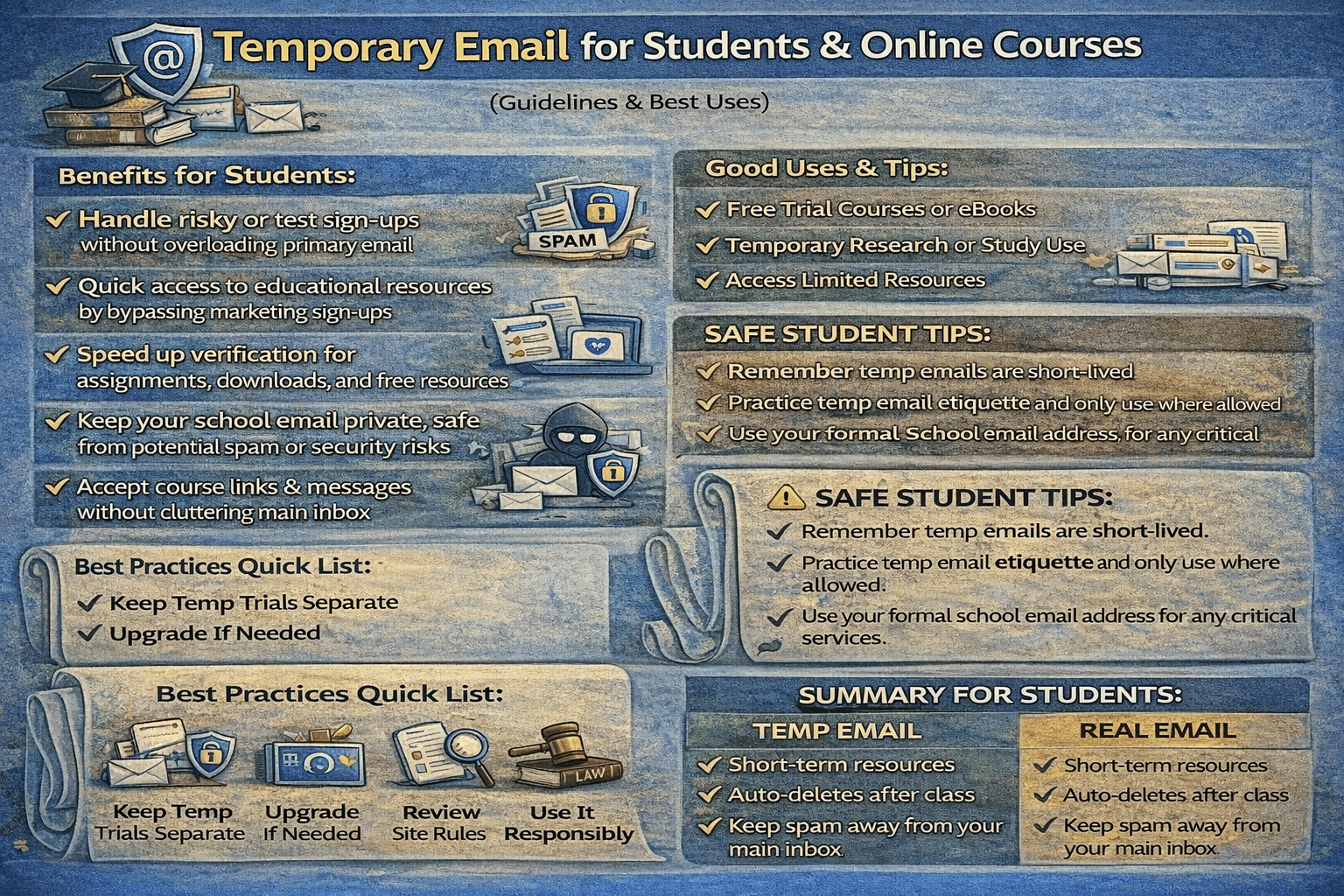
Temporary email helps students stay organized and protect their inbox.
How Temporary Email Helps Students in Online Learning
Using temp-email.io, students can:
Open the website
Copy an instantly generated email address
Use it to register for a course or platform
Receive the confirmation or access email
Complete the learning task
Let the inbox expire automatically
No signup.
No password.
No inbox clutter.
👉 Learn how it works:
How Temporary Email Works Behind the Scenes
(internal link suggestion: /how-temporary-email-works)
Common Use Cases for Students
1. Free Courses & Trial Classes
Many platforms offer free lessons or trial access but require email registration.
Temporary email is perfect for:
One-time classes
Skill previews
Short workshops
You get access without long-term marketing emails.
2. Downloading Study Materials
Websites often require email verification to download:
PDFs
Notes
eBooks
Practice papers
Templates
Temporary email lets you get the resource without subscribing to endless newsletters.
👉 Learn more:
Temporary Email Use Cases Explained
(internal link suggestion: /temporary-email-use-cases)
3. Webinars & Online Events
Students frequently register for:
Career webinars
Coding bootcamp sessions
Exam prep workshops
Temporary email helps when:
You only need event access
You don’t want follow-up sales emails
4. Avoiding Spam from Learning Platforms
Some learning platforms send:
Course promotions
Partner offers
Daily reminder emails
Temporary email keeps these messages out of your main inbox.
👉 Learn more:
How Disposable Emails Reduce Spam
(internal link suggestion: /disposable-email-reduce-spam)
5. Testing Learning Platforms Before Commitment
Students often try platforms before paying.
Temporary email helps:
Test platform features
Check course quality
Avoid early marketing pressure
If you decide to continue, you can later switch to your personal email.
Can Temporary Email Receive Course Verification Emails?
Yes. Temporary email can receive:
Course confirmation emails
Login links
Verification codes
Access instructions
As long as the platform allows disposable email domains and the inbox is active.
👉 Learn more here:
Can Temporary Emails Receive Verification Codes?
(internal link suggestion: /temporary-email-verification-codes)
When Students Should NOT Use Temporary Email
Temporary email is not recommended when:
The course is long-term
You need certificates later
Account recovery may be required
Official communication is important
In these cases, always use your personal or school email.
👉 Compare clearly:
Temporary Email vs Personal Email: Key Differences
(internal link suggestion: /temporary-email-vs-personal-email)
Privacy Benefits for Students
Using temporary email helps students:
Protect personal identity
Avoid data tracking
Reduce exposure to data breaches
Stay safer on unknown platforms
👉 Learn more about privacy:
How Temporary Email Protects Your Online Privacy
(internal link suggestion: /temporary-email-online-privacy)
Is Temporary Email Legal for Students?
Yes. Using temporary email for education-related signups is legal in India and worldwide, as long as it’s not used for fraud or misuse.
👉 Learn more:
Is Temporary Email Legal in India and Worldwide?
(internal link suggestion: /is-temporary-email-legal)
Why temp-email.io Is Ideal for Students
temp-email.io is student-friendly because it offers:
Instant inbox creation
No signup or passwords
Automatic email deletion
Privacy-focused design
Free and easy access
👉 Try it instantly:
Free Temporary Email Inbox
(internal link suggestion: /)
Best Practices for Students Using Temporary Email
To use temporary email responsibly:
Use it only for short-term or trial courses
Save important course materials elsewhere
Switch to personal email for long-term learning
Avoid using it for paid or certified programs
👉 Learn when to use it properly:
When Should You Use Temporary Email?
(internal link suggestion: /when-to-use-temp-email)
Final Thoughts
Temporary email is a helpful tool for students navigating the world of online education.
It helps you:
Avoid spam
Stay organized
Protect your privacy
Try courses risk-free
For short-term learning, free resources, and trial classes, temp-email.io offers a fast and safe solution—so you can focus on learning, not inbox management.