Temporary Email vs Gmail: Privacy Comparison You Should Know
Email is at the center of your digital identity. From social media and shopping to work and banking, everything connects to your inbox. But not all email services are equal when it comes to privacy.
Understanding the Two Email Types
What Is a Temporary Email?
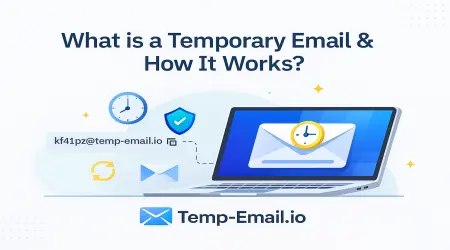
A temporary email is a short-lived inbox that works instantly without registration. It automatically expires and does not require personal information.
With temp-email.io, users get:
Instant email address
No signup or password
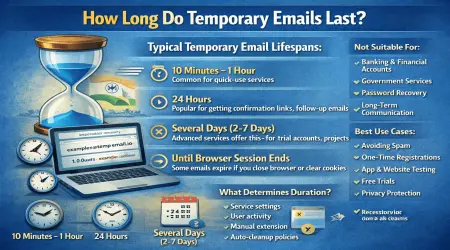
Automatic inbox expiration
Minimal data exposure
👉 Learn the basics:
Internal link: What Is a Temporary Email Address? – https://temp-email.io/
What Is Gmail?
Gmail is a permanent email service by Google designed for:
Long-term communication
Account recovery
Professional and personal use
It offers strong security features but requires:
Personal details
Long-term data storage
Account-based tracking
Both serve different purposes—and privacy outcomes.
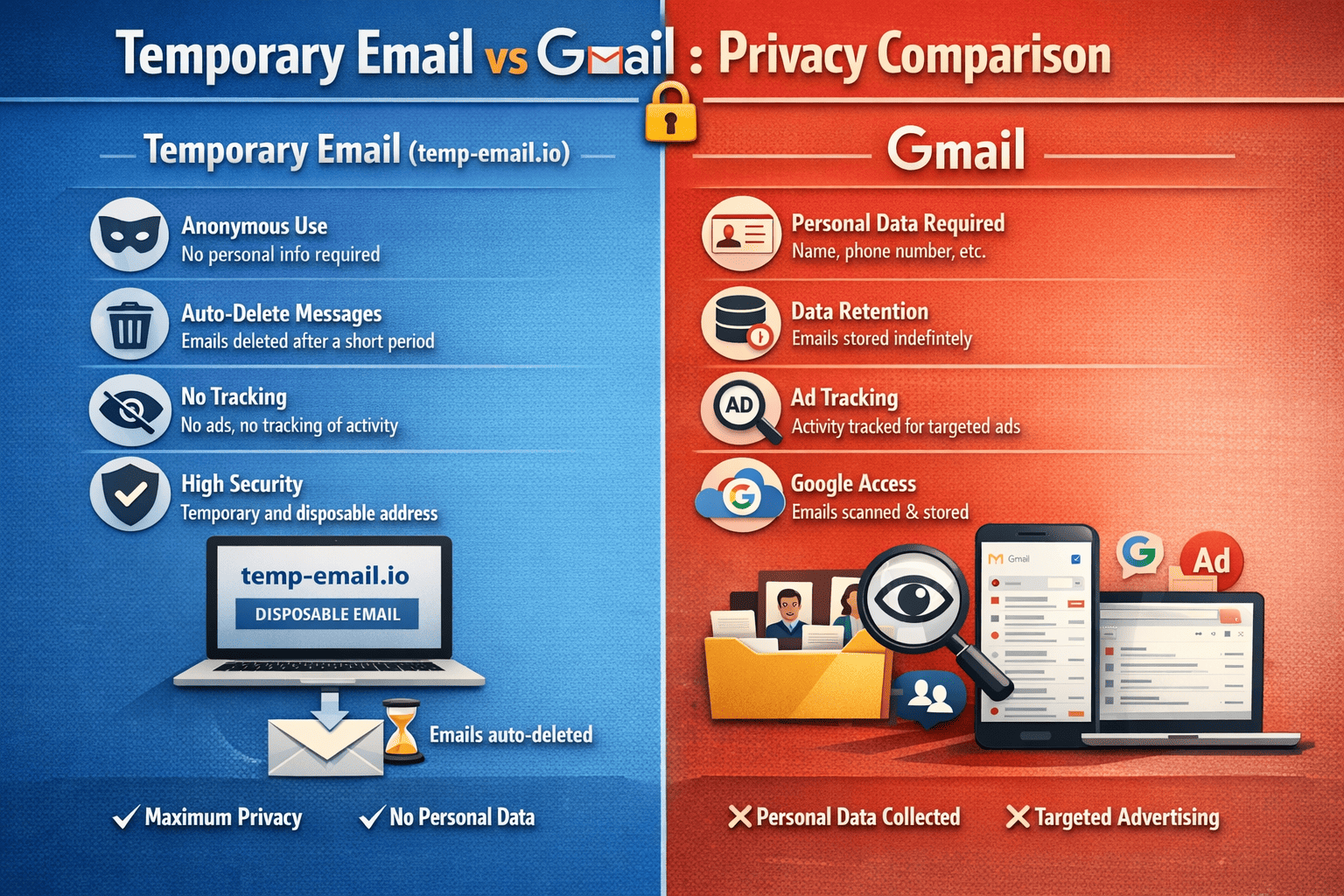
Temporary Email vs Gmail: Privacy Comparison
| Privacy Factor | Temporary Email | Gmail |
|---|---|---|
| Signup Required | ❌ No | ✅ Yes |
| Personal Data Needed | ❌ None | ✅ Required |
| Email Lifetime | ⏳ Short-term | ♾️ Permanent |
| Data Tracking | 🔒 Minimal | 📊 High |
| Inbox Retention | ❌ Temporary | ✅ Long-term |
| Best For | Privacy & testing | Trusted services |
Privacy Advantages of Temporary Email
1. Minimal Data Exposure
Temporary email does not require:
Name
Phone number
Recovery email
This reduces the chance of identity linking.
👉 Related guide:
Internal link: Email Privacy Tips Everyone Should Know – https://temp-email.io/blog/
2. Lower Risk From Data Breaches
If a website storing your temporary email is breached:
Your real email stays safe
The address expires automatically
Long-term risk is minimized
3. Reduced Spam and Tracking
Temporary emails are ideal for:
Newsletters
Free trials
Downloads
They stop long-term spam and profiling.
👉 Learn how:
Internal link: How Disposable Emails Reduce Spam – https://temp-email.io/blog/
Privacy Strengths of Gmail
To be fair, Gmail also has benefits:
1. Strong Account Security
Gmail offers:
Two-factor authentication
Advanced spam filtering
Account recovery options
This makes it suitable for important and permanent accounts.
2. Reliability & Long-Term Access
Gmail is ideal for:
Banking
Government services
Work communication
Account recovery
Temporary email is not suitable for these.
👉 Important reminder:
Internal link: When You Should NOT Use Temporary Email – https://temp-email.io/blog/
Privacy Trade-Offs to Understand
Gmail Privacy Trade-Offs
Long-term data storage
Behavioral tracking
Profile building across services
Temporary Email Trade-Offs
No long-term access
No recovery options
Not suitable for sensitive accounts
Privacy is about choosing the right tool for the right task.
When to Use Temporary Email vs Gmail
Use Temporary Email When:
Signing up on unfamiliar websites
Testing apps or services
Accessing one-time resources
Avoiding marketing spam
👉 Example use case:
Internal link: Temporary Email for App & Website Testing – https://temp-email.io/blog/
Use Gmail When:
Managing financial accounts
Communicating with clients or employers
Handling long-term subscriptions
Needing account recovery access
Smart Privacy Strategy: Use Both
The most privacy-focused users don’t choose one—they use both strategically:
Gmail for trusted, important services
temp-email.io for low-risk, short-term activities
This separation significantly reduces digital exposure.
How temp-email.io Fits Into Privacy-Focused Browsing
temp-email.io supports responsible privacy habits by offering:
Fast, anonymous email access
No personal data storage
Automatic expiration
Clear boundaries for ethical use
It complements permanent email services—not replaces them.
Final Thoughts
Temporary Email and Gmail are not competitors—they are tools for different privacy needs. Gmail offers stability and recovery, while temporary email offers privacy, anonymity, and spam control.
By understanding their differences, you can protect your digital identity more effectively.
🔐 Use privacy tools smartly: https://temp-email.io/